 Punch
PunchWhat's new in Punch 3.6: QuickBooks Online, kiosk mode, team photos, and 30 countries
Punch 3.6 is the biggest release yet for the end of the pay period. Approved hours now flow straight into QuickBooks Online. A single iPad becomes a punch-in station for the whole crew. Faces show up where initials used to. And the overtime engine now speaks the labor law of 30 countries. Every bit of it is on every plan, on iPhone, iPad, and web.
Native QuickBooks Online


Punch already exported a QuickBooks-ready file. Now it connects directly. Link QuickBooks Online once, map your people, and push a whole pay period's approved hours to your books in a click — no spreadsheet, no manual entry, no copy-paste.
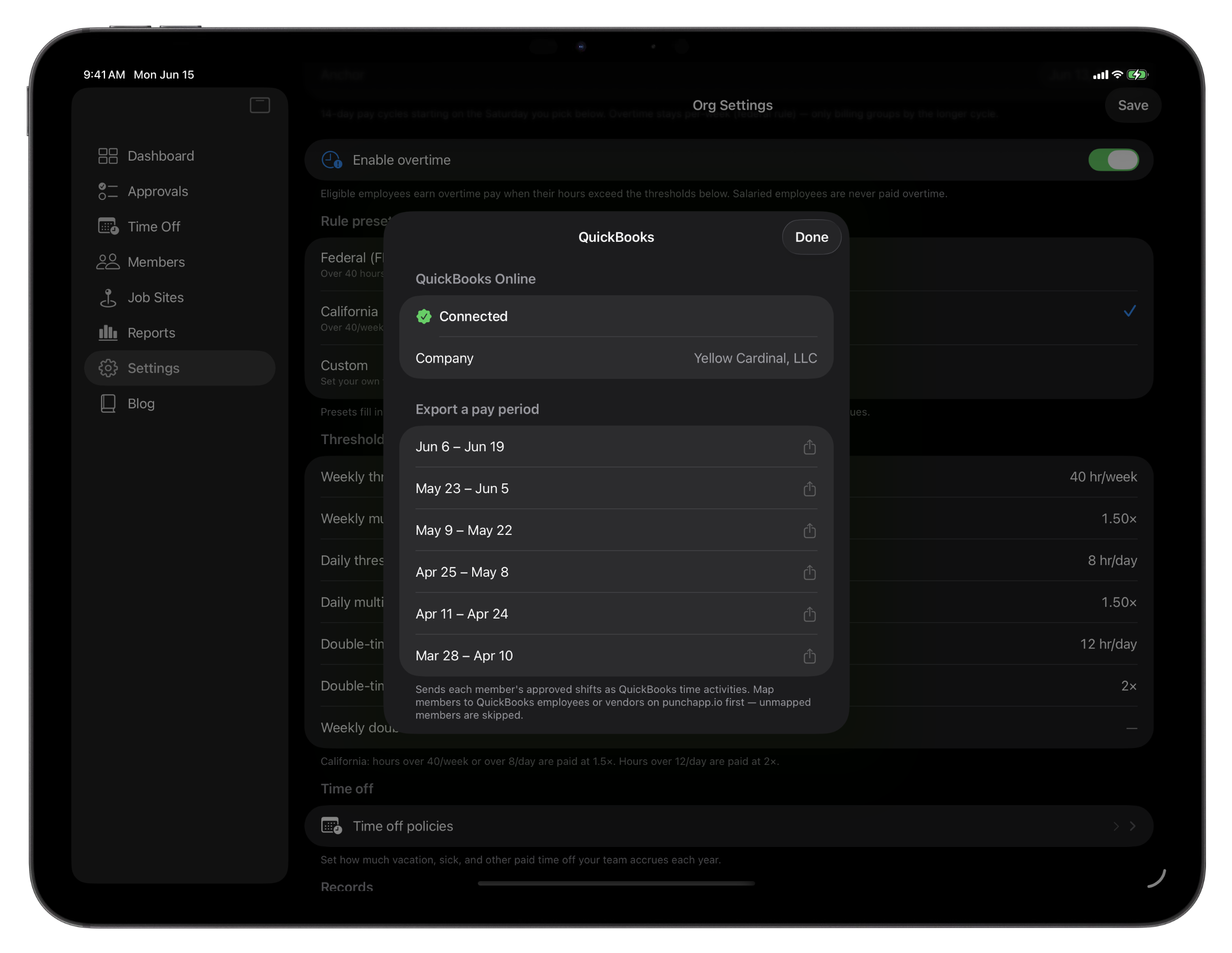
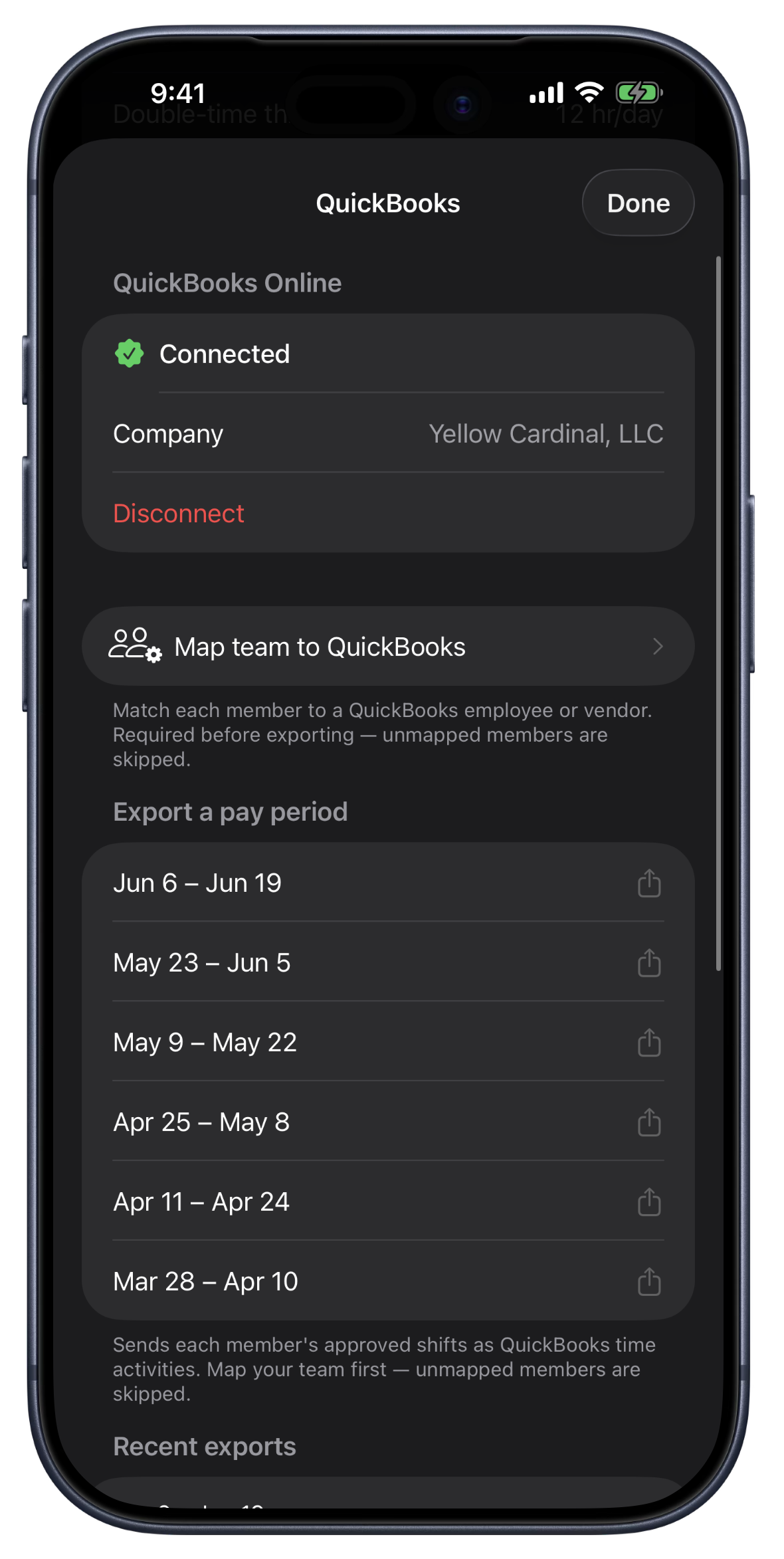
Here's how it works. Connect your QuickBooks company from Settings on iPhone, iPad, or the web — the same secure Intuit sign-in either way. Map each Punch person to their QuickBooks record once: employees map to QuickBooks employees, contractors to vendors, and your Punch teams to QuickBooks classes if you track by class. Then, when you close a pay period, Punch sends each approved shift as a time activity — the right person, the worked hours net of lunch, the date, and the job site as the customer — so QuickBooks Payroll runs the pay math on accurate hours.
It's built to be safe to run twice. Punch remembers which shifts it already sent, so re-exporting a period never creates duplicates. Every export is logged, so you can see exactly what went over and when. And if a shift can't be matched yet, Punch tells you which one and why instead of failing silently.
Punch handles time. QuickBooks handles the books. The two finally talk to each other.
Kiosk mode: one iPad for the whole crew
Not everyone carries a work phone. So Punch 3.6 turns a single shared iPad into a punch station the whole team uses.
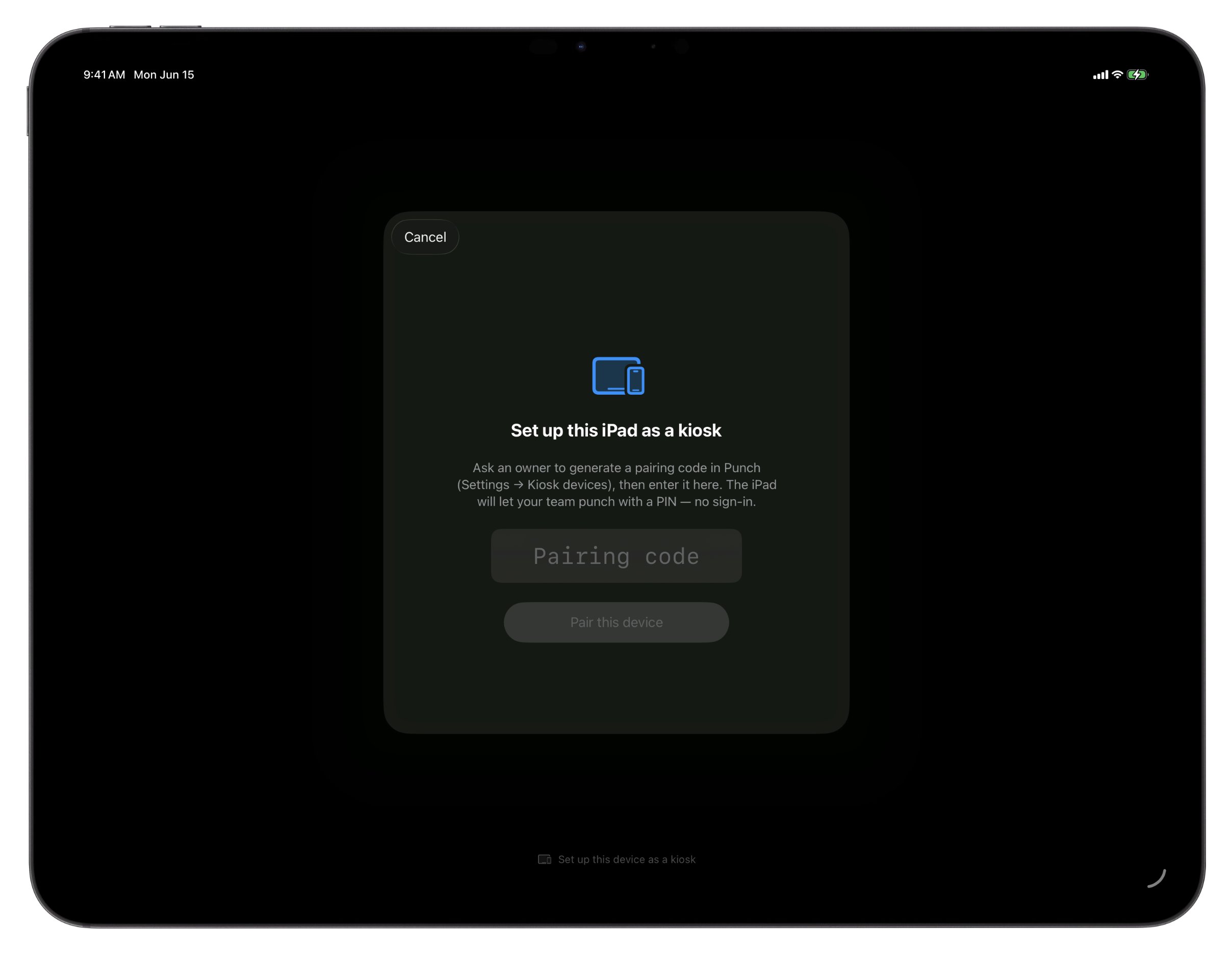
Pair the iPad once. From then on, the screen shows your roster — search a name, tap it, enter a PIN, and you're punched in. Behind that picker is the real Punch app: the same punch-in screen, the same shift history, the same time-off requests. A PIN doesn't open a stripped-down kiosk — it signs that employee into their actual account for as long as they're using it, then signs them back out when they walk away. The next person taps their own name and the iPad is theirs.
It's built for a counter or a job trailer. The iPad doesn't need to move, so a kiosk punch-in skips the geofence check — your pairing is the proof of place. After a punch, a short walk-away timer logs the employee out automatically, and an idle iPad returns to the roster on its own, so nobody's session is left open.
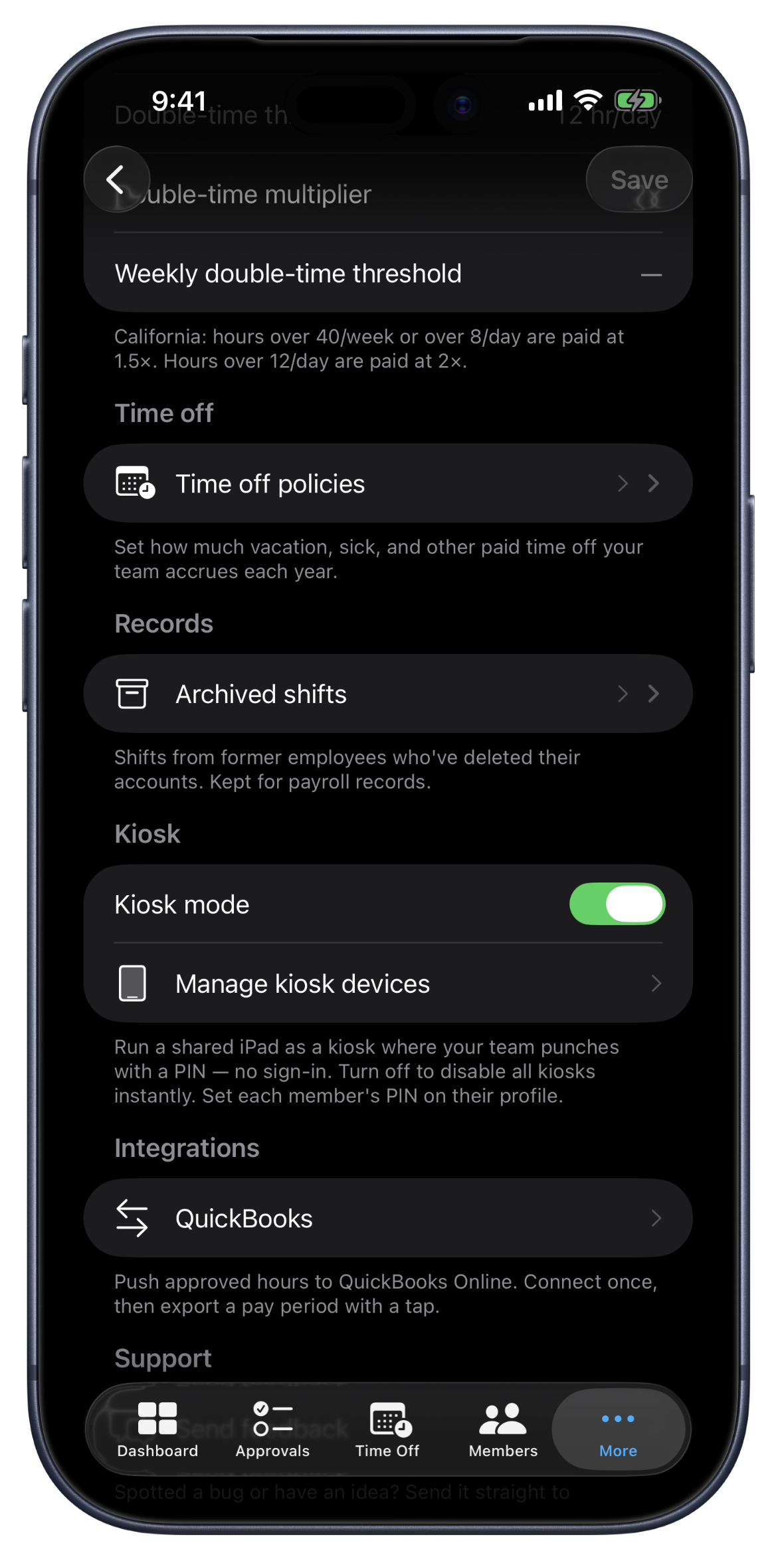
Owners stay in control from Settings. Turn kiosk mode on or off for the whole org with one switch — flip it off and every paired iPad returns to normal sign-in. Each device gets a name, a pairing code you can view or regenerate any time, and a one-tap revoke. Set a PIN for each person from their profile; five wrong tries locks that PIN for fifteen minutes. And leaving kiosk mode on a device takes Face ID or the owner's password — a customer can't tap their way out.
And Punch verifies a shift with a PIN and your pairing, never a camera in your crew's face. No photo-on-punch, no facial recognition, on purpose. Trust beats surveillance.
Faces, not initials
Give your team a face. Punch 3.6 lets each person set a profile photo — snap one with the camera or pick one from the library — and it shows up everywhere their initials used to: the kiosk roster, the member list, approvals, the dashboard, contact cards. On a shared iPad, tapping your own photo to punch in is faster and friendlier than hunting for your name in a list.
Photos are private to your organization. They're stored securely and only ever shown to your own team — never public, never shared.
Overtime for 30 countries
Punch now ships overtime presets for 30 countries. This release adds India, Brazil, the Philippines, Greece, and Luxembourg, each with the right daily and weekly thresholds and multipliers built in, plus paid-leave accrual tuned to local standards. Pick your country when you set up, and Punch attaches the correct rules automatically — or set custom thresholds of your own. India and Brazil and the Philippines also bill in their local currency, with rupee, real, and peso pricing.
As always, overtime rolls into the pay period when you mark a week paid, and per-shift figures stay at straight time so the math is easy to follow.
Also in this release
Refinements throughout. Faster connection handling, clearer error messages when something needs your attention, and the usual round of polish across iPhone, iPad, and web.
Fully translated. Every new surface in 3.6 — the QuickBooks connection, kiosk management, the photo picker — is available in Spanish and Canadian French, the same as the rest of the app.
Getting started
Connect QuickBooks from Settings whenever you're ready — your next pay period can land in your books instead of a spreadsheet. Kiosk mode is ready the moment you turn it on in Settings and pair your first iPad. And overtime for your country attaches itself when you create your org, exactly as before.
New to Punch? Start your free trial — every feature, every plan, from day one.